Fluffy Mod Manager v3.027
A mod manager for easily installing and uninstalling PAK mods.
Features
- Install and uninstall PAK mods.
Installation and usage
- Extract the mod manager anywhere. If you’re upgrading from an old version, simply extract it over the older version.
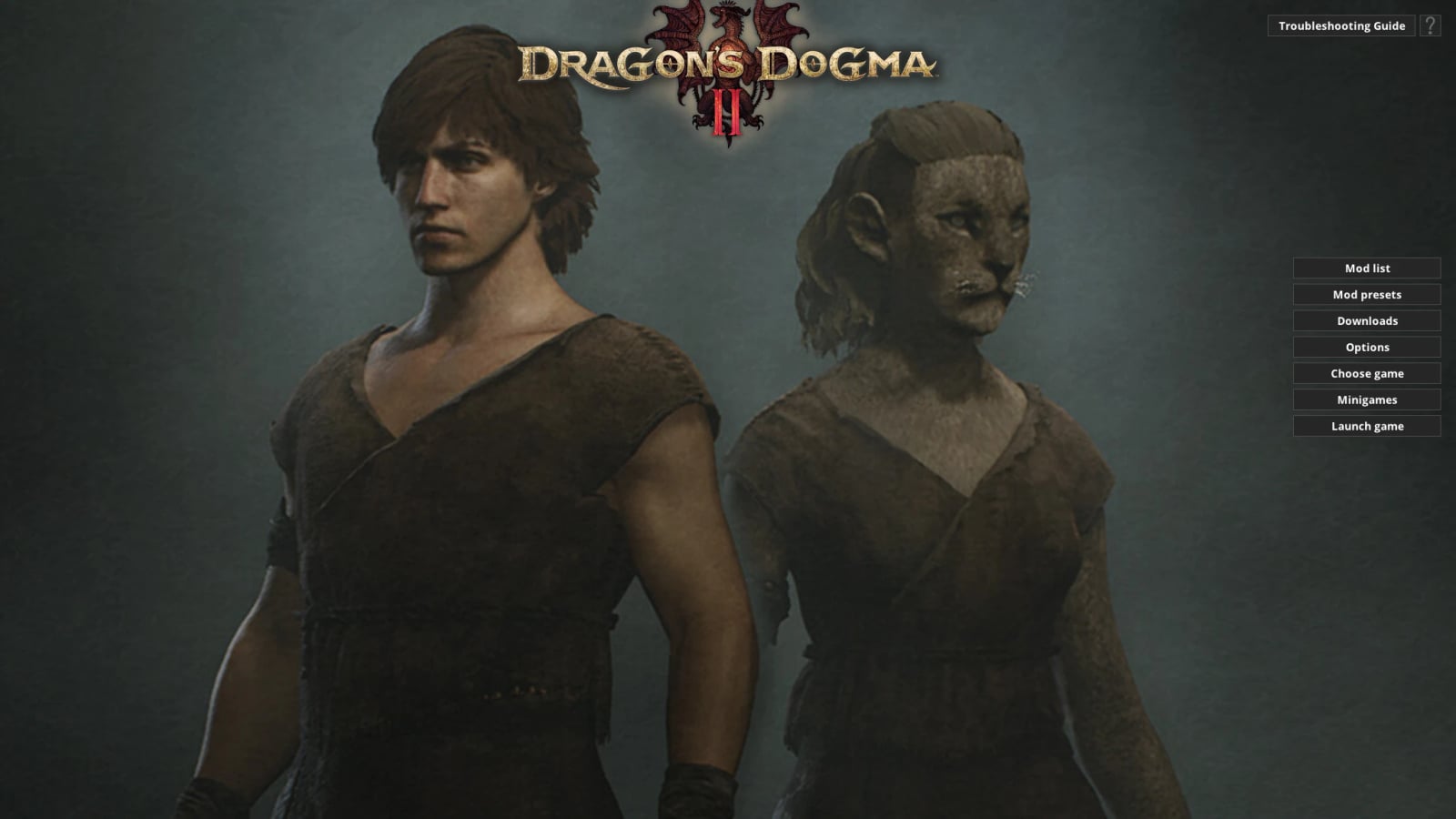
- Run the mod manager once and choose Dragon’s Dogma 2 as the game.
- You can drag’n’drop mods in PAK format onto the mod manager window while it’s running to copy them to the mod manager, or manually copy mods to
GamesDragonsDogma2_CharaMods. - Click on mods in the mod list to install them. Click again to uninstall.
Information for mod creators
- Note that the
modinfo.inifile is optional, and all entries within it are optional too. - The mod manager will always check for
screenshot.jpgorscreenshot.pngto use as the mod preview image, even ifmodinfo.inidoesn’t exist. - You can add an
AddonFor=ModNameentry to a mod’smodinfo.iniif a mod is intended as an addon for another mod. They will then be organized as a single menu button in the mod list. ReplaceModNamewith the exact name of the mod this mod is an addon for. - Alternatively, you can add an entry like
NameAsBundle=NameHereto a collection of mods to organize them into the same menu button. ReplaceNameHerewith a name for the collection of mods, and make sure each mod in the collection has the exact name entry.